01
Touch hotspots
Jump straight to stretches where your team had the ball — with a timeline of possession zones painted right on the seek bar.

Upload a full-match recording. PolyFut runs computer vision locally to mark possession windows — then you review, log actions, and export AI commentary. All processes done over night.
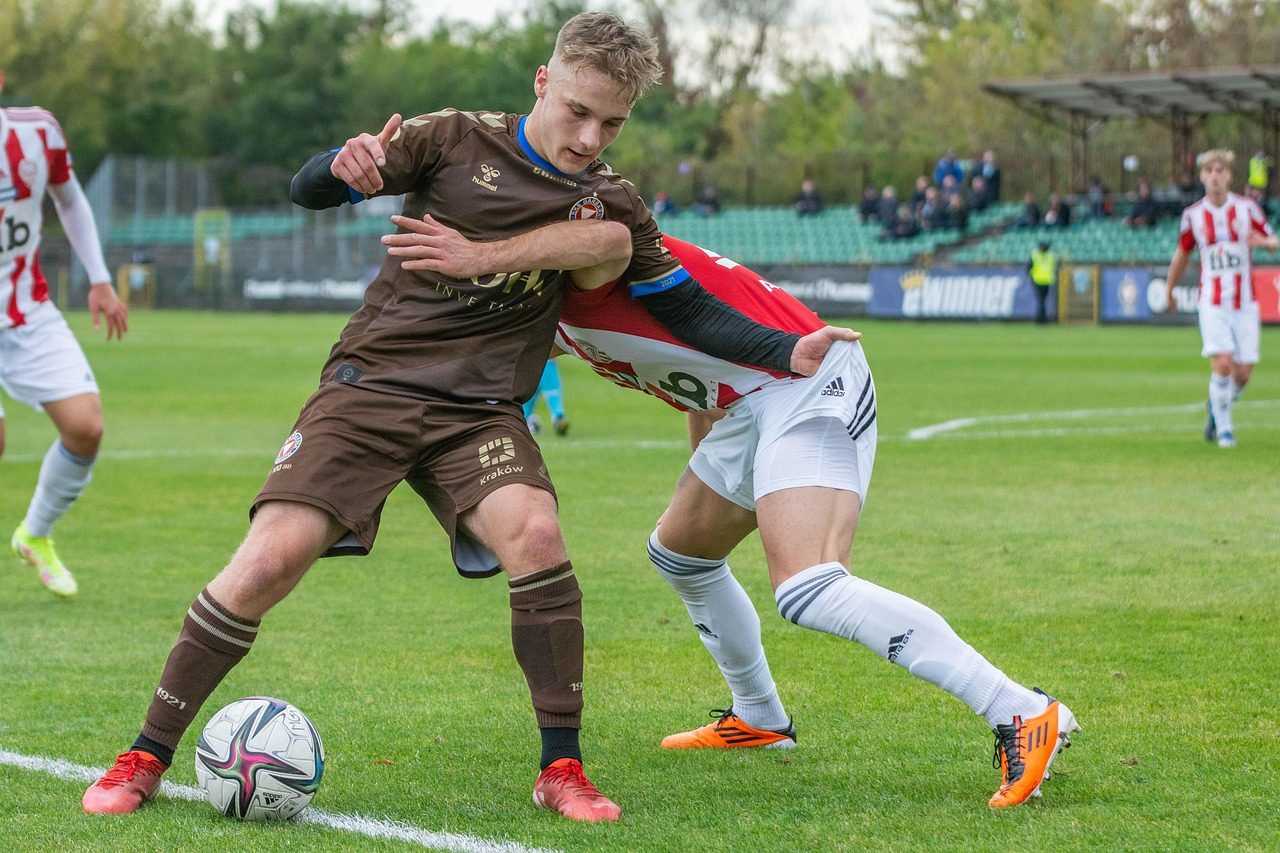

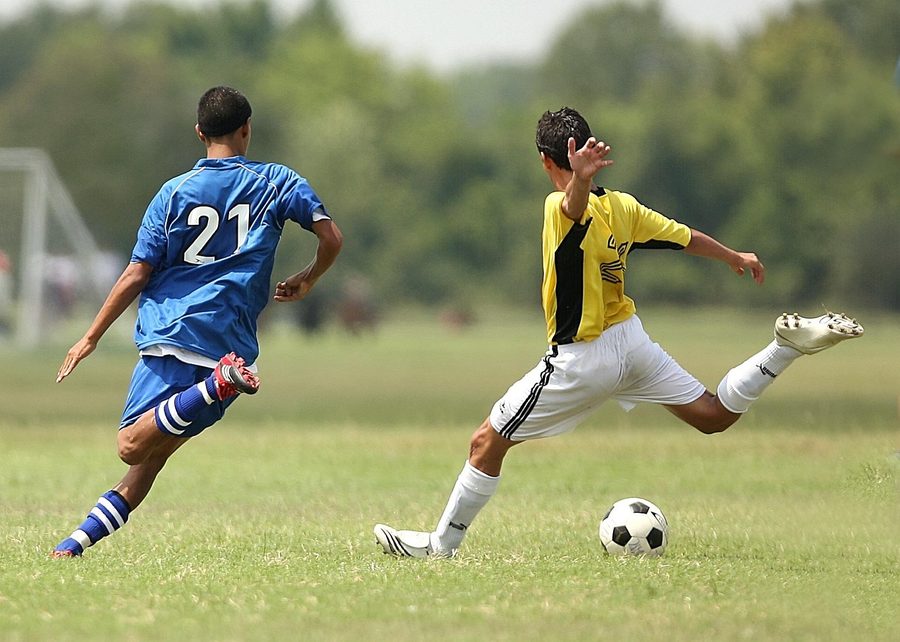
Jump straight to stretches where your team had the ball — with a timeline of possession zones painted right on the seek bar.
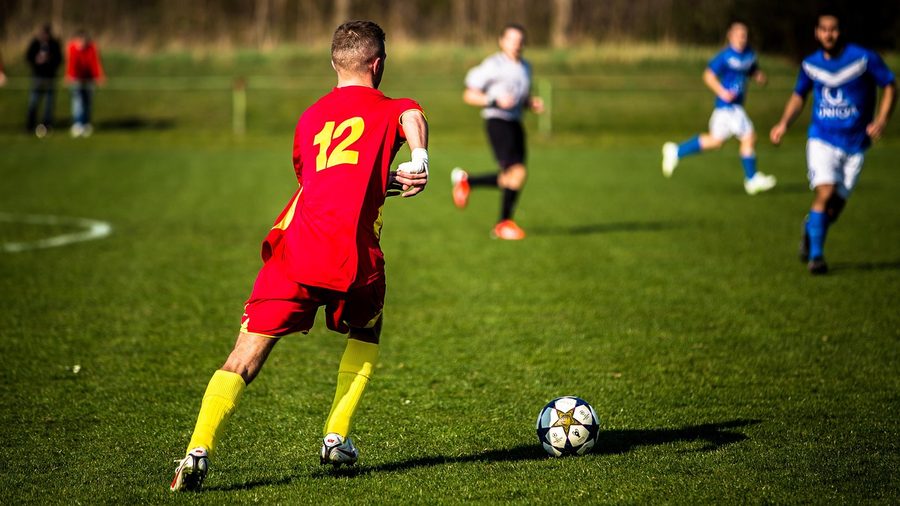
Tag passes, shots, and defensive actions inside each window. Live hybrid stats — net, offense, defense, risk — update as you review.

Get an AI summary with no setup — Statistically-backed feedback paired, training suggestions with player archetype analysis. Your video never leaves your machine — stats are sent only when you ask for a report, plus up to three stills during setup to read the kit colours.
Drop in your match MP4. It is read straight off your disk — there is no upload and no queue.
Drag the handles over the stretches you were actually on the pitch, or take the whole match in one click. Analysis is bounded to that window, so it is quicker — and it stops the app asking you to identify yourself in a passage you were not playing in. The video finishes importing in the background while you do this.
PolyFut reads both kits off the footage and shows you two swatches. Pick yours; the other becomes the opposition.
Click a few painted-line corners so distances can be judged in metres rather than pixels. Skippable, but it is what stops a player 40 m away being credited with a touch.
Tap yourself in a handful of short clips from across the match. This is the identity anchor everything downstream hangs on.
The long step, and the only one you leave running. Roughly half the length of the footage on a normal laptop CPU. Close the window if you like — it keeps going.
PolyFut over-includes on purpose, then asks. Flick through the candidate touches and drop the ones that are not you.
Tag what actually happened — shots, passes, defending, skill. Net, offense, defense and risk update live as you go.
Finish for a WPA chart, the hybrid breakdown, and a written summary of the match.
Analysis runs at roughly half the footage length on a typical laptop CPU — a 20-minute clip in about 10 minutes. You can close the window and resume later — the server keeps running in the background until you discard the run.
Most match-analysis tools fall into two camps: team camera platforms built around a dedicated camera and a cloud subscription, and professional analyst/scouting platforms built for clubs with in-house filming crews. Both route your footage through an upload and a queue. PolyFut processes the video you already have, on the machine you already own.
Figures are indicative ranges drawn from publicly published pricing and processing-time documentation across camera-based and analyst-driven match-video platforms as of 2026; they vary by plan, connection speed, sport and region. PolyFut has no subscription or hardware requirement because analysis runs on hardware you already own.
Video on the left, controls on the right. Scrub the possession-zoned seek bar, log actions with one tap, and watch net / offense / defense / risk move live — then hit Finish for the full report.

Requires Windows 10 or later, 8 GB+ RAM recommended, several GB free disk for match videos. The download is 393 MB: the detector models ship inside it, so nothing is fetched on first run.